A display project quote is only as good as the brief behind it. The number of units, the enclosure rating, the pixel pitch, the integration method — all of these are determined by answers to questions most buyers don't know they need to answer before making contact. Getting those answers right before you start shortens the specification process, avoids post-delivery surprises, and means the hardware actually fits the job when it arrives.
1. What is the furthest viewing distance?
Pixel pitch — the gap between individual LED modules — is the specification that most often goes wrong in industrial projects. The rule is simple: at 5 metres, you need roughly P5 pixel pitch or finer to read text cleanly. At 20 metres, P16 is usually acceptable for single-line instructions. Beyond 40 metres, larger pitch with high character height works for simple numbers and directions.
Most buyers describe the display size they think they need. The useful input for a manufacturer is the furthest point from which the display must be readable. Provide that distance, note whether it will be viewed in direct sunlight, and the pixel pitch specifies itself. Size and pitch are linked — do not specify one without the other.
2. Where will it be installed, exactly?
Outdoor installation in Northern or Central European conditions means direct rain, temperatures below −20 °C in winter, road grime, and occasional impact from vehicles or equipment. The minimum for an outdoor enclosure is IP65 — dust-tight and protected against water jets from any direction. For port and logistics environments where machinery operates nearby, add IK08 impact resistance.
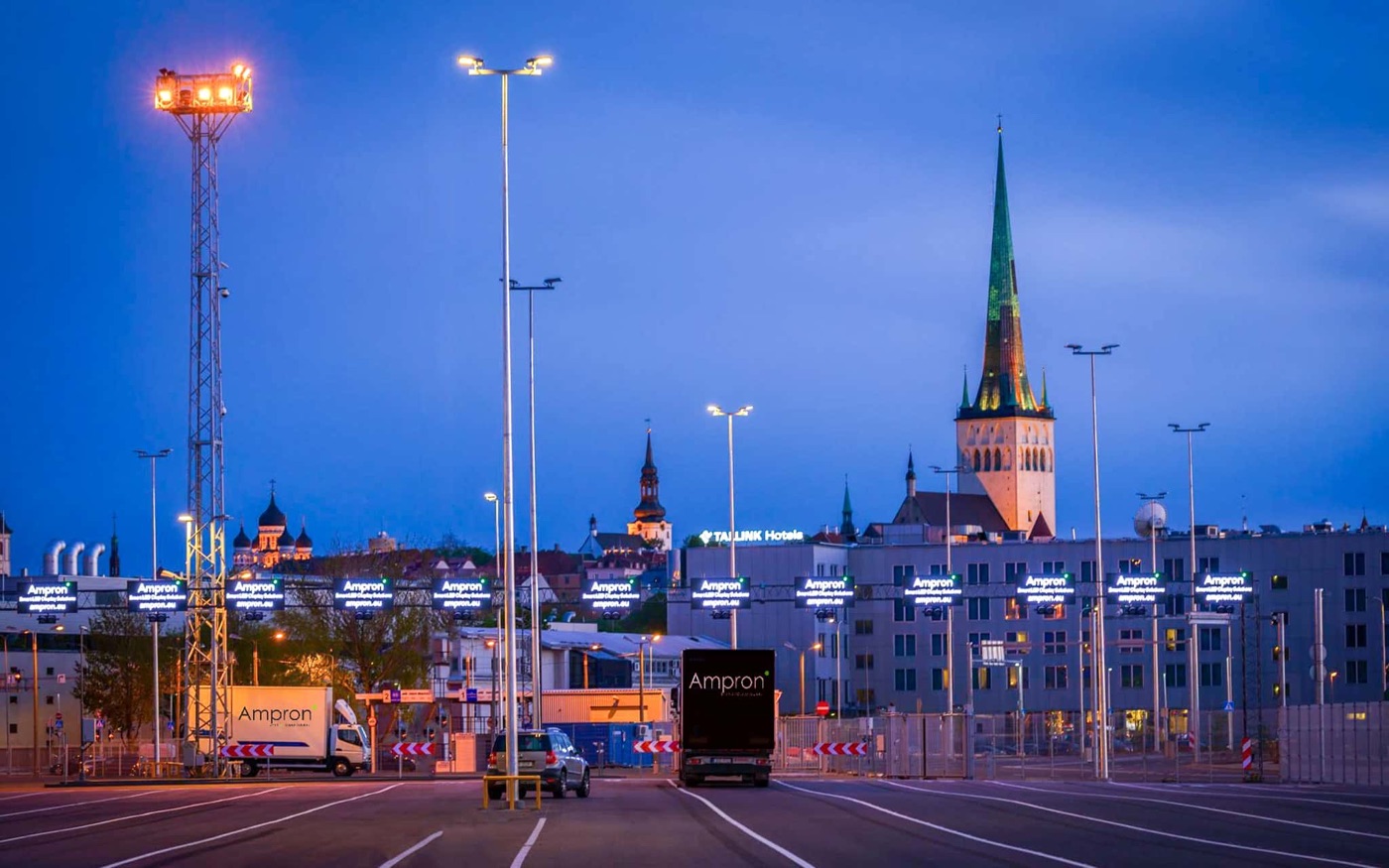
Indoor-only is a different brief entirely. Semi-outdoor — a sheltered loading dock, a car park barrier lane, a factory gate — sits between the two and is the environment most often mis-specified. If the display will see any direct precipitation or temperature extremes, treat it as outdoor. A standard industrial unit rated to −10 °C will fail in a Baltic winter. Note the actual expected low, not just 'it gets cold in winter'.
3. What data will the display show?
This question determines integration complexity more than any hardware choice. Three patterns cover most industrial projects.
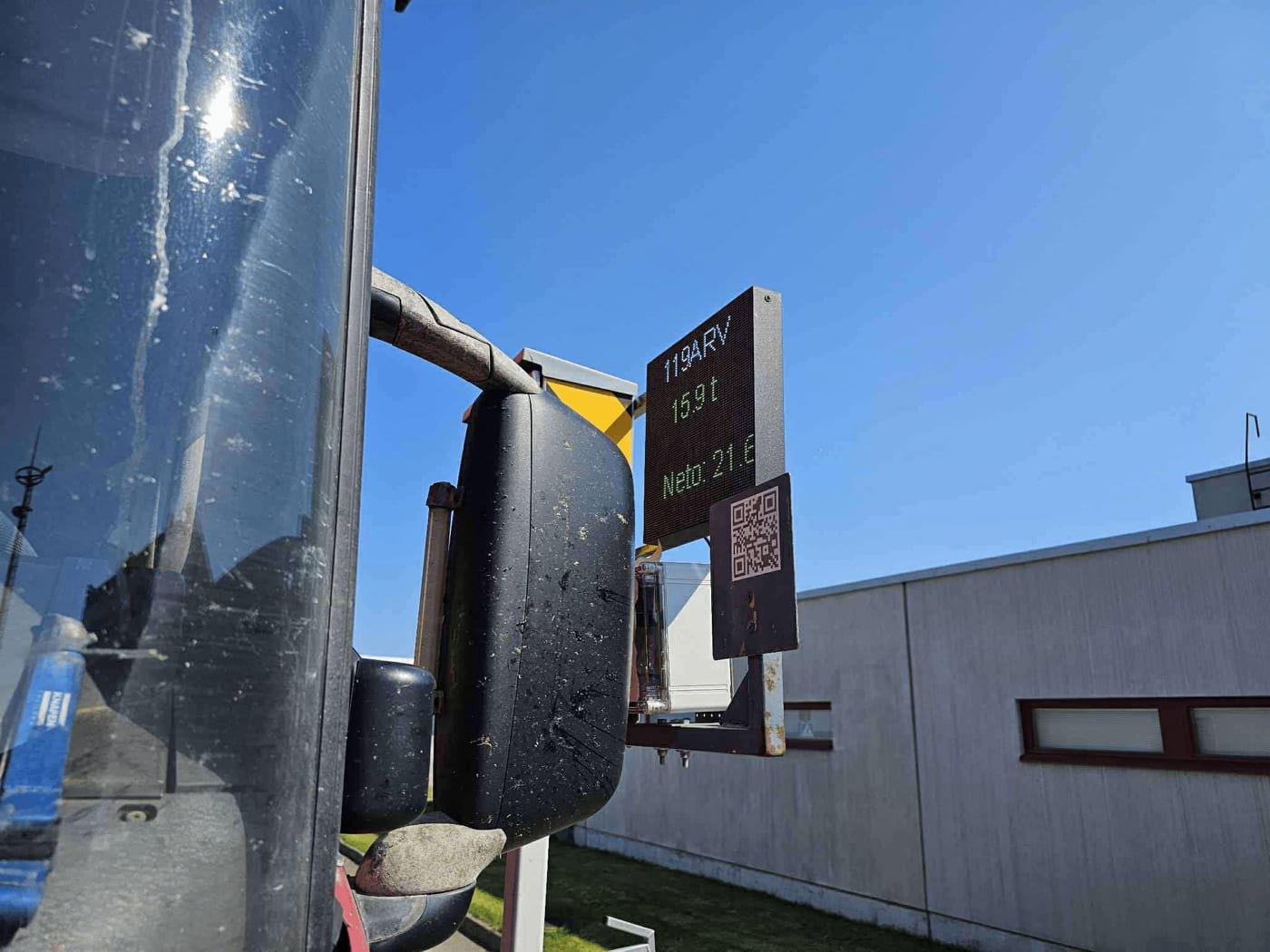
A display that shows one thing at a time — a gate status, a truck bay number, a weight result — needs only a simple push API: one HTTP call to the display, one update, done. The weighbridge integration at Port of Kunda works exactly this way: every truck weighing event sends one request to the display, showing the weight result and unloading zone in real time.
A display that shows a layout with multiple zones — a number plate on top, a directional arrow below, static text in between — needs layout templates defined during commissioning. Your controlling system then populates named areas via URL parameters. The layout is configured once; the API call stays simple.
A display that pulls data automatically from an existing endpoint — a transit arrival feed, a flight information system, a production queue — needs poller configuration rather than push integration. The display fetches the URL on a schedule and updates itself.
In all three cases, describe what data changes, how often, and what system holds it. The integration method follows from those answers.
4. What system controls the display?
Name the system that will send data to the display: TMS, ERP, WMS, SCADA, custom platform, or third-party logistics feed. This determines whether your team uses push or pull integration and what authentication model applies.
If you don't yet have a controlling system — for example, if the display is intended to trigger a new process rather than reflect an existing one — say so. In that case, the display may need to act as the data source via a manual web form or a scheduled content cycle rather than as a passive destination.
One thing worth noting: with Ampron's REST API, the controlling system talks to the display using standard HTTP. No SDK, no driver software, no proprietary protocol. Your development team writes a URL call from whatever platform they already use. That is the whole integration.
5. How many displays, and where are they positioned?
Number, physical mounting positions, and cable or power routing. These determine installation logistics more than the display spec itself. A single display in an accessible position is a different project from forty boards distributed across a terminal.
If the count is uncertain, a range is useful — 'somewhere between 4 and 12' is enough for a first-pass estimate. Note whether mounting is wall-mounted, pole-mounted, overhead, or vehicle-mounted. Note also whether power is available at each position or needs to be routed. This affects both product choice and commissioning cost.
For multi-site projects — the same type of display deployed at several facilities — also note whether central management is required or whether each site operates independently.
6. What support model do you need after delivery?
Who handles fault resolution — your facilities team or the display supplier? How critical is uptime? Is there a maintenance contract requirement from your organisation or from an end customer?
For mission-critical environments — a port gate with automated vehicle flow, an airport de-icing pad — a defined service level agreement with response time commitments is worth including in the brief from the start. For less time-sensitive applications, onsite-replaceable spare units and remote diagnostics may be sufficient.
Ampron displays are designed to be field-serviceable: LED boards are replaceable, power supplies are accessible, and replacement parts are stocked for the full product lifetime. But the support model needs to be agreed before the project, not negotiated after the first failure at 2am on a Sunday.
How to use these answers
A brief that covers these six areas — viewing distance, environment, data, controlling system, quantity, and support model — will produce an accurate quote from any serious display manufacturer. It will also surface mismatches early: the wrong enclosure rating, an incompatible integration, a support gap that would only appear at the worst possible moment.
If you are working through this and unsure how some answers apply to your project, two options. The Figurator at ampron.eu/figurator walks you through the key parameters and narrows the product options before you speak to anyone. Or fill out the contact form and include as many of these answers as you have — we will ask the rest in the first exchange and get back to you within 24 hours.